AI-Powered Level Design Techniques
An assistant that writes text can help you plan a level. It cannot know whether your jump lands, whether your collision is wrong, or whether the encounter is fair. This article is a workflow you can do with tools you already have: paper, the game engine you are already building in, and a general-purpose text assistant you already have access to. It produces a blockout you have played, not a finished commercial level, and not a generated world you should ship untouched.
If you use a specific assistant or an image tool, read that vendor’s current terms yourself before you paste anything from your project into it. This article does not name a price and does not describe a plan. Terms, data use, and feature lists change. The vendor’s own pages are the source of truth.
Do not paste private keys, unreleased contract material, or anything you are not allowed to share. A level plan for a personal prototype is usually fine. A partner’s unreleased design doc may not be.
Write the constraints before you ask for ideas
AI is most useful when you have already decided the rules. If you ask “design a cool level,” you will get a generic dungeon. Start on paper with a short brief you wrote:
- The fantasy of the space, in one sentence. Example: a flooded maintenance hall the player crosses by shutting valves.
- The verbs the player actually has today. If your character can only run and jump, do not accept a puzzle that needs a grappling hook you have not built.
- The target length, in your own words, such as “one combat, two quiet rooms, one exit,” not a fake industry standard.
- What failure looks like: falling, an alarm, running out of a resource you already implemented.
- What you refuse: no mazes that waste time, no enemy you have not modeled, no story beat that needs a cutscene system.
Keep this brief in a text file. You will paste it more than once. The file, not the chat window, is the document you keep.
Ask for options, then reject most of them
Open the text assistant you already use. A text assistant takes a written prompt and returns written suggestions. It does not open your engine, and it does not test physics. Paste your brief and ask for three layouts. Require a specific shape so the answer is usable:
- Each layout is a list of rooms.
- Each room has an entry, an exit, and one job: teach, pressure, relief, or finale.
- Each layout must use only your verbs.
- Call out the one moment the player could get stuck, and how they get unstuck without a new mechanic.
Then edit by hand. Cross out any room that needs content you do not have. Cross out clever twists that you cannot explain in a sentence. Pick one layout. If none of the three work, change the brief, not the engine. The usual problem is that the brief was vague.
Ask a follow-up only about the layout you picked: “Where does the player see the exit before they can reach it?” Landmark visibility is a level-design problem a text model can discuss, and that you can verify by walking.
Treat the reply as a junior suggestion. You are the lead. There is no score that makes a paragraph correct.
Block it out in the engine you already have
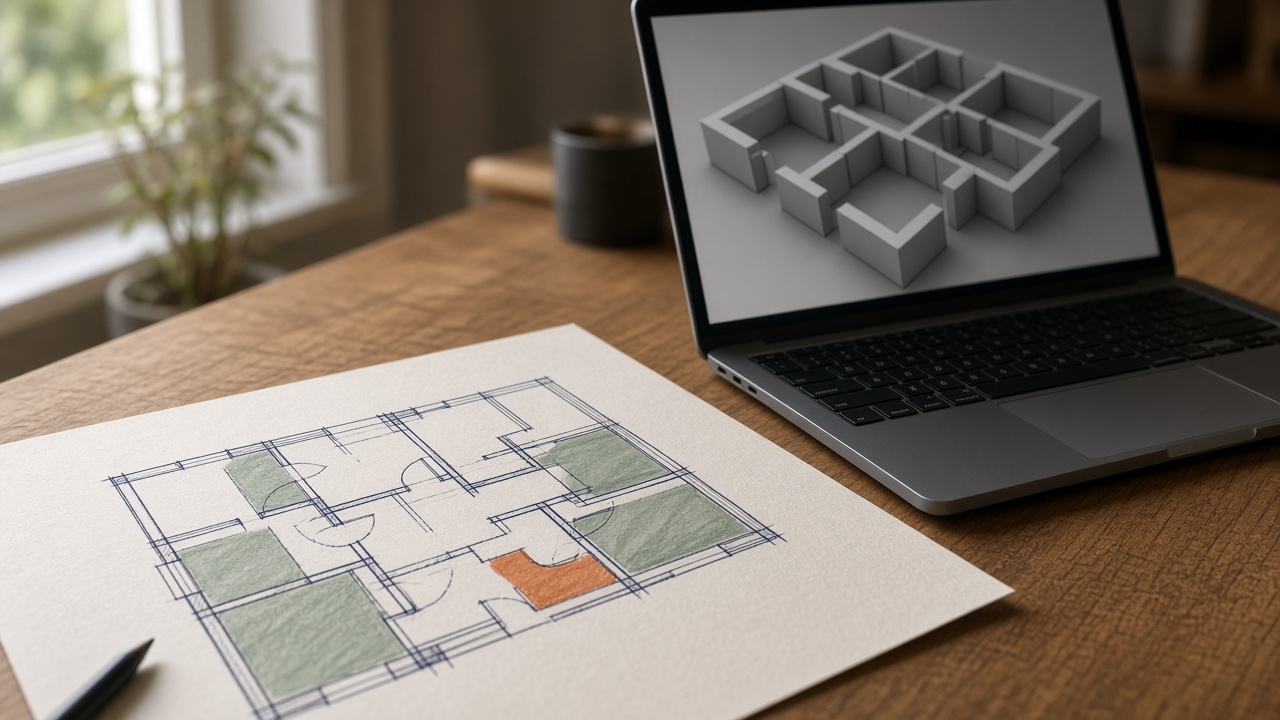
Translate the chosen list into primitive geometry in your current engine. Use boxes, planes, and placeholder characters. Do not wait for final art. A blockout is supposed to be ugly.
Match your real metrics. If your character jumps a certain height in game, build ledges using that height, measured in the editor, not a height the assistant invented. If you do not know your jump height, test it with a stack of blocks before you design vertical space. Write the number in the brief so the next prompt stays honest.
Walk the route from start to finish without skipping. Note:
- Where you got lost.
- Where you waited with nothing to do.
- Where an enemy or trap fired before you could see it.
- Where the exit was visible, and where it was not.
Those notes are more valuable than another generated layout. Take screenshots of the problem spots for yourself. You do not need to upload them anywhere.
If you already use an image tool, you can ask it for a mood reference for lighting and shape language. An image tool generates pictures from a description. It does not produce collision or a playable space. Use the picture as a target for color and silhouette, then rebuild the read with your own lights and blockout meshes. Check that vendor’s current terms before you upload your own concept art.
Use a second pass as a critic, not as an author
Paste your original brief and your playtest notes back into the assistant. Ask it to list contradictions: places where the notes show the level breaking your own rules. Ask for three small changes that use existing verbs only. Forbid it from adding mechanics.
Apply at most one or two of those changes, then play again. A pile of simultaneous “improvements” makes it impossible to know what helped. This loop, play then critique then play, is the actual technique. Generating a first draft is the small part.
You can also ask the assistant to turn your room list into a checklist for implementation: collider on, light placed, enemy placeholder, pickup, landmark visible from the door. Checklists are where text tools behave well, because the work is formatting, not truth.
Do not ask the model to estimate how fun the level is in numbers. It cannot play, and a made-up rating will not help you. Your own run from entrance to exit is the test.
Lock the things software should not invent
Some choices should stay yours even if a prompt could answer them.
The teaching order of mechanics should follow what you can build this week. A model will happily front-load your whole design.
Difficulty should follow what you felt in the blockout. If you died without seeing the hazard, move the camera cue or the spawn, regardless of how exciting the description sounded.
Story set dressing should not promise interactivity. If a valve cannot be turned, do not label it as the solution. You can ask for flavor text later, after the space works, and you should still read it aloud and cut anything that fights the tone.
Randomized layouts and “AI inside the game” that builds levels at runtime are a different project. They need constraints in code, tests for unreachable rooms, and a fallback when generation fails. Do not start there. A hand-built blockout that you can beat is the prerequisite for understanding what a generator would have to protect.
Stop when the route is real
You are done with this technique when one layout survives contact with your character controller: you can enter, understand the goal, recover from a mistake, and leave, using only mechanics that exist. Save the brief, the room list, and the blockout. Those three files are the level design.
Ignore any urge to regenerate the level because the blockout is gray. Art comes after the route is fun enough to keep. If the assistant’s first idea was worse than your paper sketch, keep the sketch. The tool is optional the moment it stops saving you time.
This workflow will not populate a commercial game’s worth of content. It will help one developer try more layouts, reject weak ones faster, and arrive at a blockout they have actually played. That is the whole win.