Godot 4.x 3D Game Development Full Guide
Complete 3D game development workflow in Godot 4.x from concept to release.
Complete 3D game development workflow in Godot 4.x from concept to release.

ZBrush is where a lot of game props and characters get their forms. Godot is where those forms have to import, shade, collide, and run. The handoff fails when the high-resolution sculpt is what you try to ship. This workflow is the boring path that works: sculpt, rebuild a game mesh, bake maps, export a…
Building realistic open-world environments with CryEngine terrain tools.

You already have a built FMOD event, so now you get that one event into a Godot 4 project and make it play when something happens in your scene. This is the one-event Godot handoff, not the FMOD Studio design overview. You will not build events, parameters, buses, or snapshots here. This article assumes you…
This is a small slice of Unity’s Data-Oriented Technology Stack, not a performance test. You will bake one authoring component into an entity and rotate that entity from a system. There are no frame-time numbers here. If you want a crowd, a projectile storm, or a comparison against GameObjects, build that later, on your own…
High-detail sculpting to game-ready assets workflow from ZBrush to Godot.
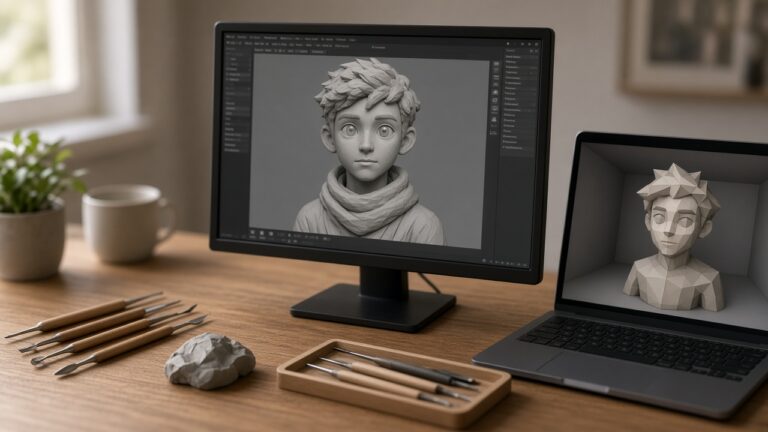
A ZBrush character is a sculpture. A Unity character is a skinned mesh, materials, and an avatar that an Animator can drive. This workflow connects those two for one humanoid or creature, ending in a prefab you can drop into a test scene. It does not rig a face for a cinematic, and it does…