ZBrush to Godot Professional Asset Pipeline
High-detail sculpting to game-ready assets workflow from ZBrush to Godot.
High-detail sculpting to game-ready assets workflow from ZBrush to Godot.
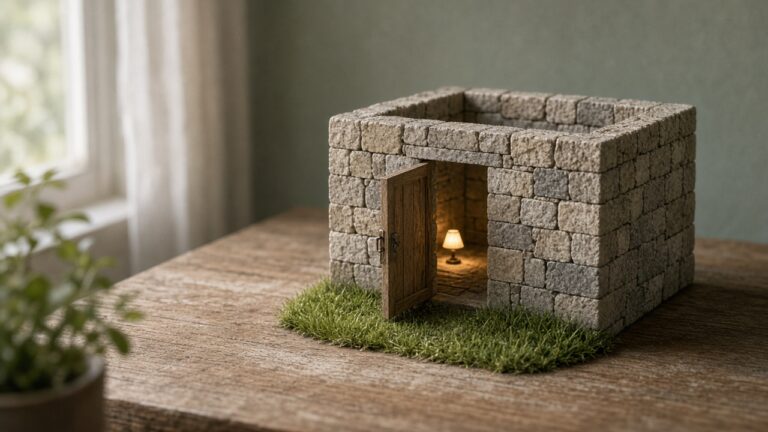
Make one small 3D space in Godot 4 with meshes, light, a camera, and a door that opens, then stop while it still feels good. Your first 3D project should be small enough to finish in a weekend. Not a world. Not a dungeon generator. One room, one light, one camera, and one thing the…
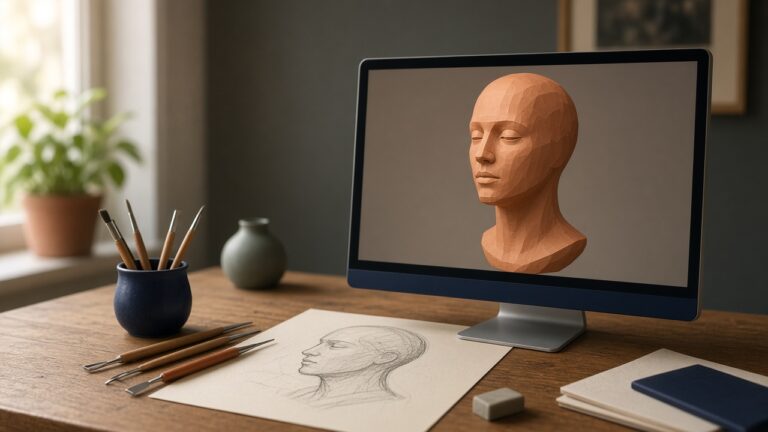
Learn a solo-friendly ZBrush character pipeline that starts with a rough DynaMesh block, moves to subdivision detail, and ends with a low-poly mesh and normal map your engine can actually use. No single tutorial turns you into a professional character artist. What it can do is give you habits that keep working as your skills…
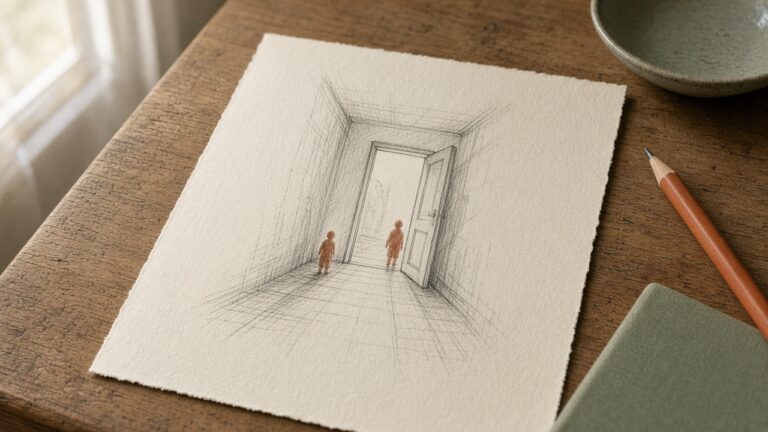
You already have a single-player scene. A character moves, collisions work, and an interaction such as a door already plays when you press a key. This guide adds a host, a second instance, and one rule: a peer may ask for a change, and only the authority applies it. It is not a matchmaking setup,…
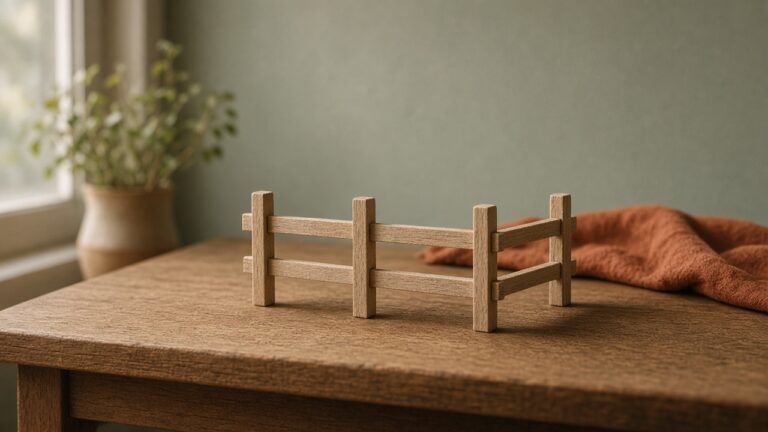
You will build one procedural fence in Geometry Nodes, tune it with two sliders, and turn it into a plain mesh that any game engine can import. Geometry Nodes lets you describe how a model is built instead of modeling every piece by hand. For a solo developer, that matters most on boring, repeated props….
A short, verified working set of free AI tools a solo developer can use for concept art, textures, 3D meshes, animation, placeholder audio, and code help, plus the limits you will hit with each. This is not a top-ten list. It is a small kit of tools that each do one asset job, have a…
Your sculpt is done and already has a game mesh, so now you build a plain collision shape for it and get Unreal to treat that shape as collision instead of something players can see. This is a collision-only follow-up to the ZBrush sculpting posts 132 and 160: you will not sculpt, retopologize, bake, or…