Substance Painter Professional Texturing Workflow
Complete professional texturing pipeline for game assets using Substance Painter.
Complete professional texturing pipeline for game assets using Substance Painter.
Building realistic open-world landscapes in CryEngine.
Use a phone or any recorder you already own to capture one musical idea of a few bars, find its loop point by ear, and drop it into your game as placeholder music. This is a different slice from our earlier game audio posts: those cover generating sound with AI tools and building adaptive music…
Take a single prop from Blender into Unreal Engine 5 with the right size, the right facing, a clean material slot, and collision that matches its shape. Your first export from Blender into Unreal usually goes wrong in a small, annoying way. The crate is the size of a house. The door faces the wall….
Using AI to generate dynamic sound effects and music for games.
When and how to use Unity DOTS and ECS for high-performance games.
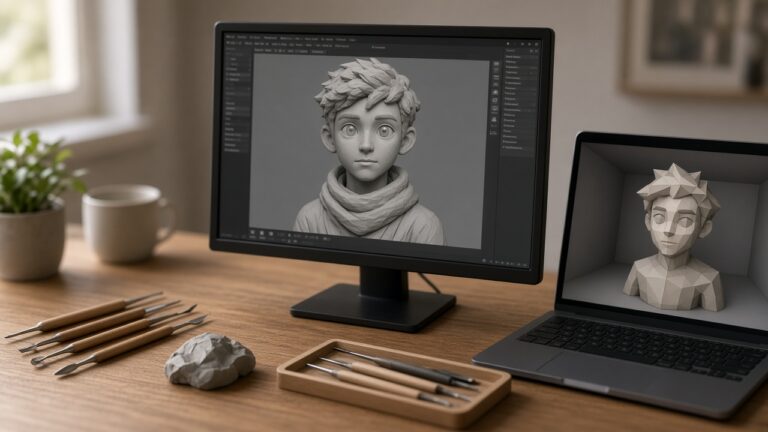
A ZBrush character is a sculpture. A Unity character is a skinned mesh, materials, and an avatar that an Animator can drive. This workflow connects those two for one humanoid or creature, ending in a prefab you can drop into a test scene. It does not rig a face for a cinematic, and it does…