Best Free AI Tools for Procedural Generation in Games
“Best” here means a small set you can download and keep using when a website changes its plans. It is not a ranked chart, and this article does not quote prices. A lot of hosted “AI level” products gate commercial use behind a paid tier that moves. If you are not sure a product is free, or not sure it still exists, do not build your pipeline on it. The techniques below work even when you skip every brand name.
The rule that keeps procedural generation debuggable is the same with or without a model: the same seed must rebuild the same level. Anything that calls a remote model during play can break that, and it can also fail when the network fails. Use models while you author content. Use your own code while the game runs.
Start with rules, not with a model
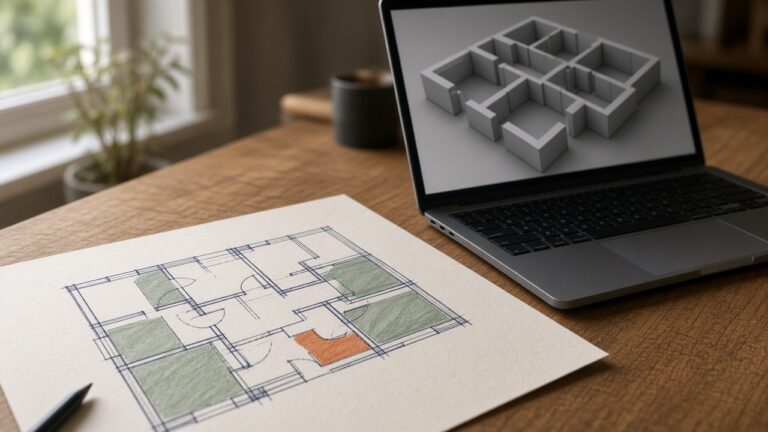
Wave Function Collapse is a constraint solver for tiles, not a neural network. You define tiles and which edges may touch, then the algorithm fills a grid. Maxim Gumin’s reference project is a real, public implementation you can read and learn from. Use it for room layouts, pipe mazes, or a texture made of small tiles. The point of reading an open implementation is to see the rules, then write a small version in your own engine that you can step through.
You do not need that algorithm for every game. A seeded random number generator, a handful of room templates, and a check that doors connect will make a dungeon. Noise fields, including Perlin and simplex noise, place forests, hills, and ore without any learning model. L-systems and shape grammars grow plants and buildings from rewrite rules. These are the runtime. They are free because they are math you implement. Godot and Unity both ship noise helpers. Confirm the class names in your version’s docs before you copy a snippet from a tutorial.
Write the generator so every random choice comes from one seeded stream, in a stable order. Log the seed. If a layout is wrong, you can rebuild it. A model prompt will not give you that.
ComfyUI for tiles and textures
ComfyUI is an open-source, node-based program for running generative models on your own machine. Its license is in the repository. Read that file. It is a practical way to draft a family of floor tiles, wall trims, or sky backdrops that share a palette. The application has also offered optional cloud features. You do not need them for this workflow, and this article does not discuss what they cost.
Generate a small set, on the order of a handful of images, from one prompt family so the lighting and color stay related. Then stop using the model. Make the images tile, crop them to the same size, and fix edges in an image editor. A generated stone texture is not seamless just because the prompt said “seamless.” Look at it repeated four times. If a corner blotch shows up, paint it out.
Model weights are not the same license as ComfyUI. A checkpoint you download from Hugging Face, or from anywhere else, has its own model card. Read it before you ship a texture in a commercial game. If the card forbids that use, pick another model or paint the tile yourself. Hugging Face is a place to find and download models. It is not a blanket grant to use every file hosted there.
Feed the cleaned tiles into the constraint solver or into your hand-authored scatter. The model proposed pixels. Your generator decides where they go, from a seed, with rules you can draw on paper.
A local model as an authoring assistant
A local language model is useful for drafting tables: room names, item blurbs, faction colors, or a list of enemy tags. Ollama is a real, open-source way to run models on your own machine. Other local runners exist. If you are not sure a runner is free to download, skip the name and use one you have already installed. The model license, again, is separate from the runner. Read it.
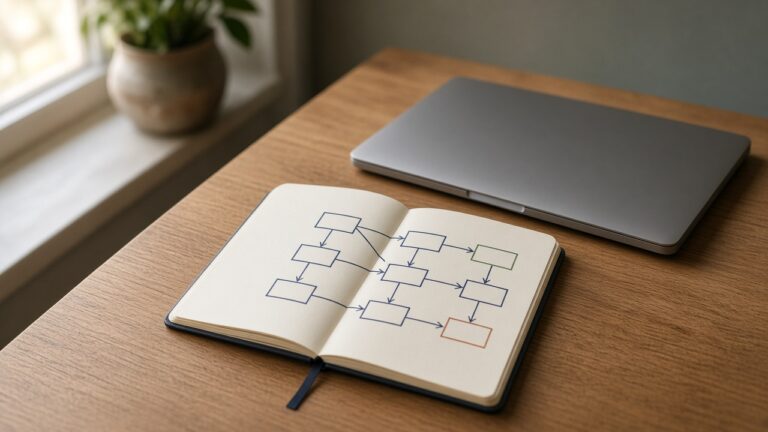
Use the model offline, once, to draft a file you commit to version control. Read every line. Delete anything you would not have written yourself. The game loads that file. It does not call the model when the player starts a run. If you call the model at runtime, two players with the same seed can get different levels, and you cannot reproduce a bug report.
Ask for structured text, such as a list of ids and short descriptions, not for a finished level. Your grammar or room placer stays in charge of connectivity, difficulty, and collision. A paragraph of “a spooky castle” is not a layout.
Do not paste private design docs into a hosted chatbot if you are not comfortable with that service’s terms. A local runner avoids that question. It does not remove the model license question.
A concrete loop you can finish in a day
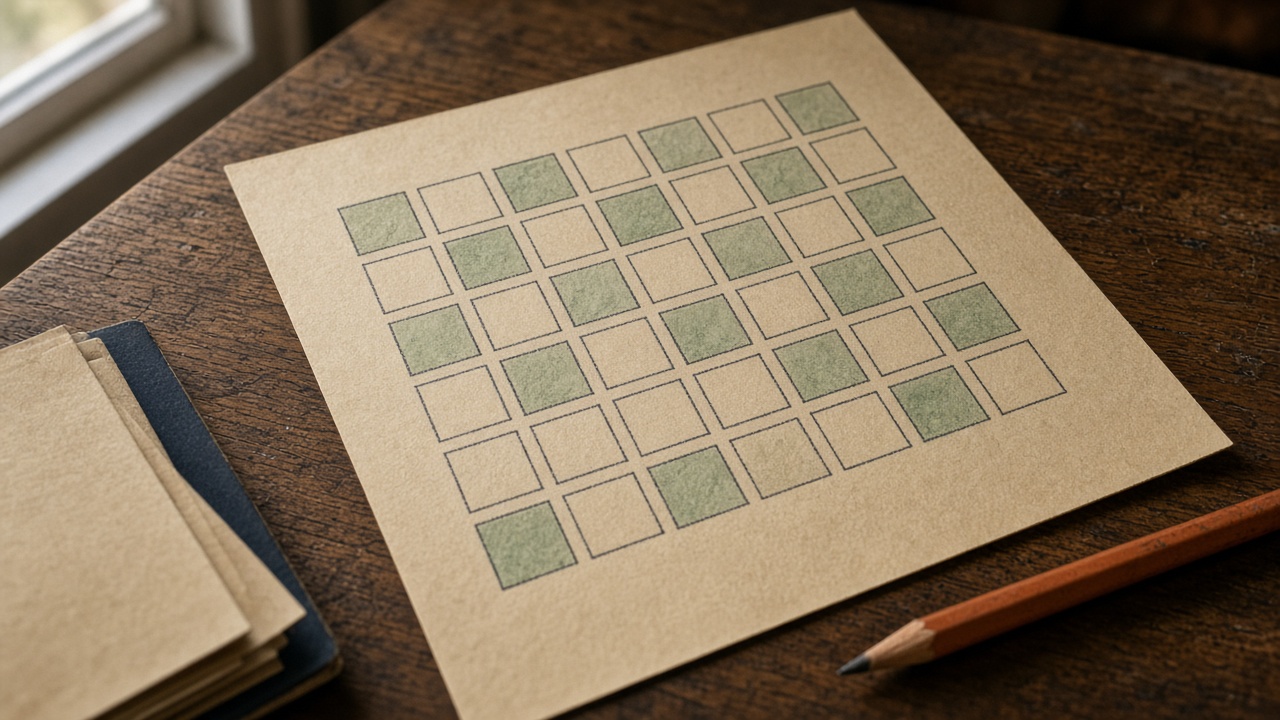
Pick a tiny result: one floor made of tiles, regenerated from an integer seed.
- Author or generate six to ten tile images that share a palette.
- Write edge rules. A grass edge may touch grass. A water edge may touch water. A cliff may touch grass on one side only.
- Run a constraint solver, or a simpler random placer that rejects illegal neighbors.
- Print or draw the grid and the seed.
- Change the seed and run again. Change one rule and confirm only that rule’s layouts change.
If step 5 is not true, you are pulling randomness from somewhere else, or the model is still in the loop. Fix that before you add enemies, loot, or a third dimension.
What to skip
Skip any tool you cannot install without a credit card if your goal is a free pipeline. Skip “one click infinite open world” claims. You cannot review an infinite output, and you cannot promise it will run on a player’s machine.
Skip training your own model for this. Training is a research project. A solver plus a folder of tiles will ship sooner, and you will understand the failures.
When a seed rebuilds the same small map, and you can point at the rule that placed each tile, you have a procedural generator. The generative model was a texture assistant. Leave it in that role.